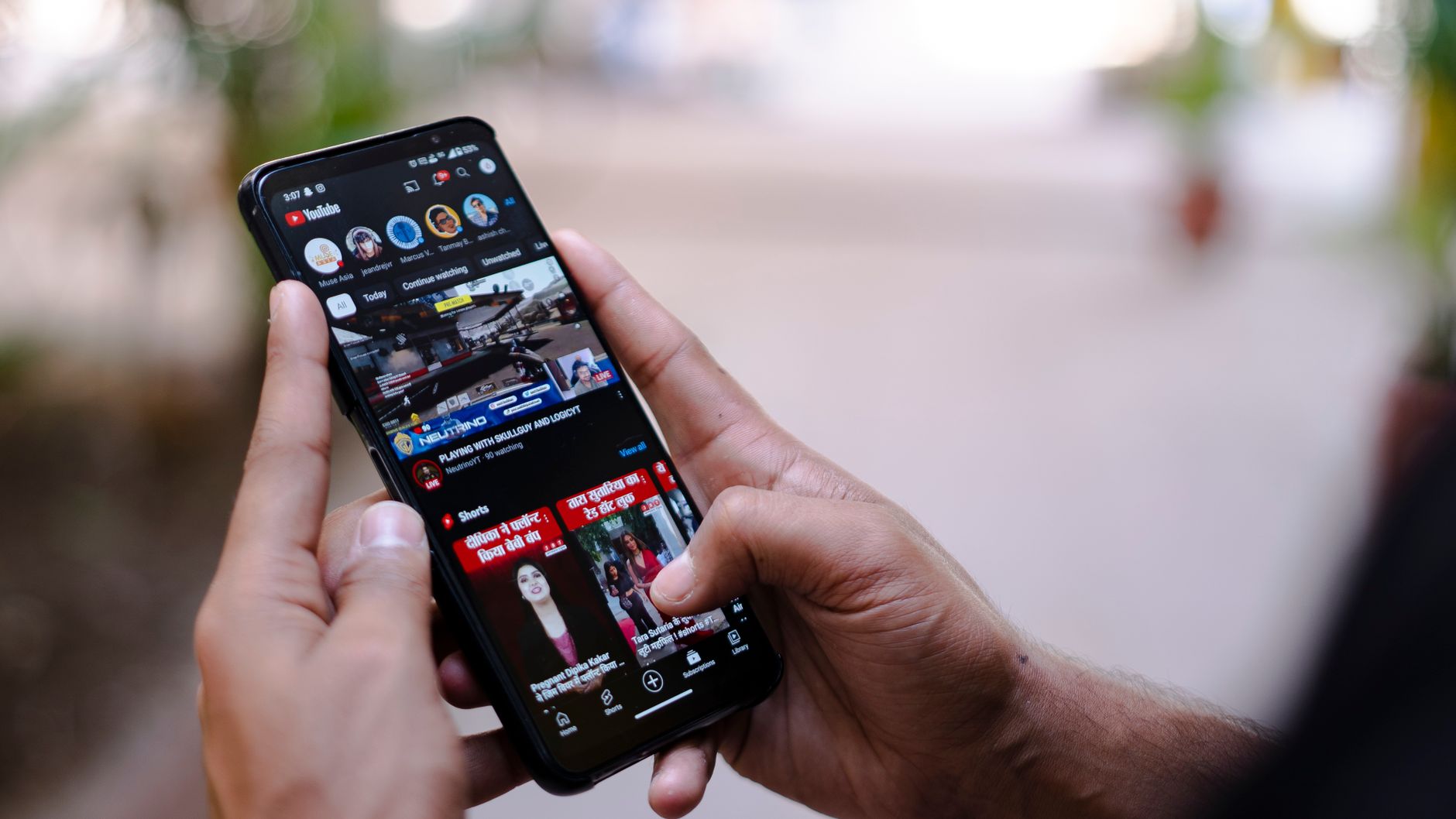

YouTube Shorts remixing is a native creation feature that lets users incorporate audio and visual segments from other eligible YouTube videos, including standard long-form uploads and other Shorts, into their own original short-form clips. This functionality empowers content producers to build upon existing media, react to trends, and collaborate directly within the YouTube ecosystem.
Understanding how this mechanic functions is essential for maximizing channel growth and engaging with digital culture. By leveraging integrated tools like audio extraction, visual clipping, and side-by-side formatting, creators can participate in viral movements without needing complex external editing software.
The Four Core Remixing Options Explained
When you encounter a video or Short you want to utilize, tapping the remix option opens up a selection of specialized creation tools. Each option serves a distinct creative purpose, mirroring features popular across modern internet culture.
Sound
The Sound option allows you to extract just the audio or background track from a video and use it as the soundtrack for your own upcoming Short. This is particularly useful for participating in trending audio challenges, music movements, or viral sound bites popularized by artists and creators.
Collab
The Collab tool enables you to create a Short directly alongside an existing video. This formats your video side-by-side with the original source, making it ideal for performing choreography with an artist, reacting in real time, or participating in duet-style internet trends.
Green Screen
Using the Green Screen option transforms the source video into the background of your new Short. Creators frequently rely on this feature to film real-time reactions, commentary, or analytical breakdowns while the original footage plays behind them.
Cut
The Cut tool lets you clip a brief segment—typically one to five seconds—from any eligible YouTube video and place it at the beginning of your new Short. This functions similarly to a stitch, allowing you to establish context or set up a reaction immediately before transitioning into your own original footage.
How Remixing Drives Audience Growth and Traffic
Remixing acts as a powerful discovery engine within the YouTube ecosystem. Because YouTube automatically attributes all remixed content back to the original source, every new creation serves as an organic recommendation for the original video.
| Remix Feature | Primary Use Case | Growth Benefit |
|---|---|---|
| Sound | Using trending music or audio clips | Connects your Short to broad audio-based search trends |
| Collab | Side-by-side synchronized recording | Engages communities and fans of the original creator |
| Green Screen | Using source footage as a background | Drives commentary engagement and reaction views |
| Cut | Inserting a 1-5 second video clip | Promotes long-form videos by driving direct traffic back to the source |
For long-form creators, this feature provides a streamlined promotional pathway. Instead of manually downloading, editing, and re-uploading a long-form video to create promotional teasers, you can quickly tap into the remix workflow from the mobile app or web interface. This instantly transforms a segment of your existing library into an entry point that funnels new viewers directly back to your primary channel content.
Managing Permissions and Availability
Platform flexibility ensures that creators maintain control over their intellectual property. While YouTube makes all uploaded content eligible for remixing by default to foster community collaboration, you are not locked into this setting permanently.
If you prefer that other users do not sample your audio or visual assets, you can manage or restrict remixing permissions through your YouTube Studio settings or Content Manager. Keeping the default settings active, however, remains one of the most effective strategies for expanding your reach to entirely new audiences across the platform.
<__END__Frequently Asked Questions
What does remixing a YouTube Short mean?
Remixing allows creators to incorporate audio or visual segments from other eligible YouTube videos and Shorts directly into their own new short-form content. The platform provides four core tools for this: Sound, Collab, Green Screen, and Cut.
How does attribution work when you remix a video?
When you publish a remixed Short, YouTube automatically includes a link back to the original source video. This attribution helps viewers discover the original creator and can significantly expand their audience reach.
Can I stop other creators from remixing my YouTube videos?
Yes, your content is made available for remixing by default to encourage engagement and discovery across the platform. However, you can manage or restrict remixing permissions for all videos through your YouTube Studio settings.
References & Sources
- YouTube Shorts now allows creators to remix videos and experience its content on the web | Mashable
- Create YouTube Shorts with remixed content - Android - YouTube Help
- It’s Time for the Remix - YouTube Blog
- Remix with other Shorts! 🔄📲
- How to Remix Youtube Shorts Feature - What is the YouTube Remix Button ?
Editorial Note: This article was researched via verified live web sources and published on 2026-10-24. Questions or feedback? Contact the editorial staff at TrendsInNews.
Photo credit: Amar Preciado / Pexels