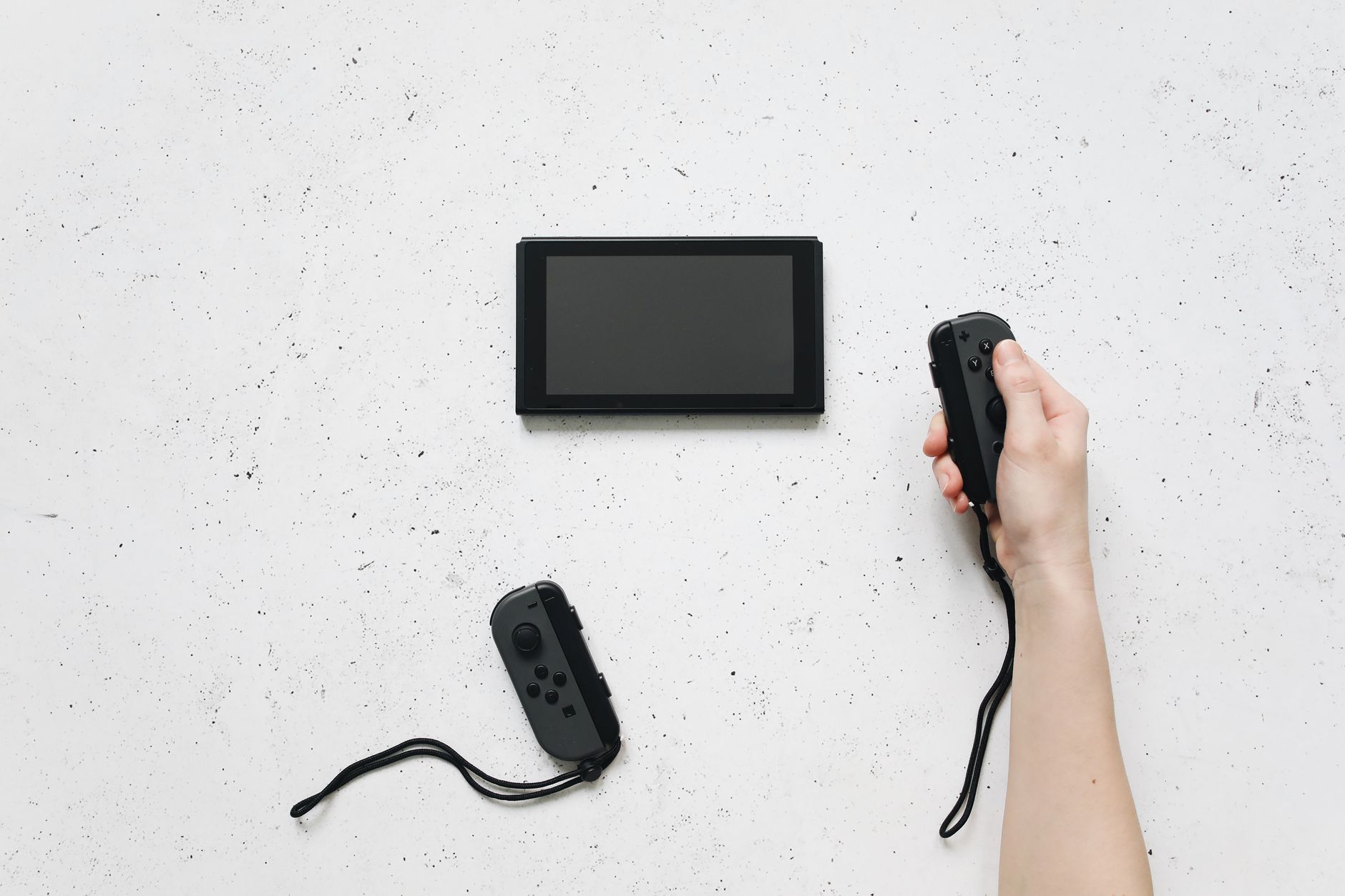

Encountering an unexpected error message on your console can bring your gaming session to an immediate halt. If you are experiencing Nintendo Switch error 2821, it usually points directly to regional account compatibility or specific network environment hiccups when attempting to access online services.
Understanding Nintendo Switch Error 2821-5000
When you boot up your console and attempt to check out the subscription features, seeing an interruption can be frustrating. Specifically, error code 2821-5000 is triggered when you select the Nintendo Switch Online icon from the HOME Menu on your console, but the system registers a mismatch regarding your geographical settings.
Official documentation notes that this error may be displayed when your Nintendo Account is set to a country where this service is not yet available. Because Nintendo ties access to its digital architecture and subscription perks to specific regional availability, attempting to access these features from unsupported regions prevents the application from loading correctly.
Troubleshooting Account Region Settings
To address error 2821-5000, you need to review and verify your account configurations. Follow these steps to ensure your profile aligns with supported service regions:
- Log into your account management page via a web browser to check your profile details.
- Locate your current country/region of residence setting.
- Confirm whether your selected country officially supports the full suite of online subscription features.
- Update your regional profile information if you have recently relocated or originally registered under an unsupported country.
Keep in mind that changing your account region may impact existing balances, eShop access, and active subscriptions. Always review the platform guidelines regarding region switches before modifying your profile.
Network Environment and Error 2821-6000
While regional restrictions account for the 5000-series sub-codes, users frequently run into related connection hurdles. For instance, reports regarding error code 2821-6000 indicate that an error occurred when connecting to an online service, likely the result of the network environment.
| Error Code Variant | Primary Indication | Recommended Focus |
|---|---|---|
| 2821-5000 | Region availability mismatch for online services | Verify Nintendo Account country settings |
| 2821-6000 | General online connection failure | Troubleshoot local network environment |
If you suspect a network-based trigger is causing your connection dropouts, isolate the issue by testing your internet connection directly through the system settings menu. Restarting your wireless router and ensuring your console has a stable signal can frequently clear up temporary communication blocks between your hardware and the online servers.
Frequently Asked Questions
What does Nintendo Switch error code 2821-5000 mean?
This error code typically appears when selecting the Nintendo Switch Online icon from the HOME Menu if your linked Nintendo Account is set to a country or region where the Nintendo Switch Online service is not yet officially available.
How can I resolve error code 2821-5000 on my console?
To resolve region-related 2821 errors, you must verify that your Nintendo Account country setting matches a region that actively supports the Nintendo Switch Online service.
Are there other variations of the 2821 error code?
Yes, variations such as error code 2821-6000 can occur when general network environment issues interfere with connecting to online services on your console.
References & Sources
- Error Code: 2821-5000
- {Fixed} Nintendo Switch Error Code: 2821-5000
- Error Code: 2821-5000 | Support
- I can't access the eshop or Nintendo online cause of my ...
- Error Code: 2821-6000 - Support
Editorial Note: This article was researched via verified live web sources and published on 2026-10-12. Questions or feedback? Contact the editorial staff at TrendsInNews.
Photo credit: Polina Tankilevitch / Pexels