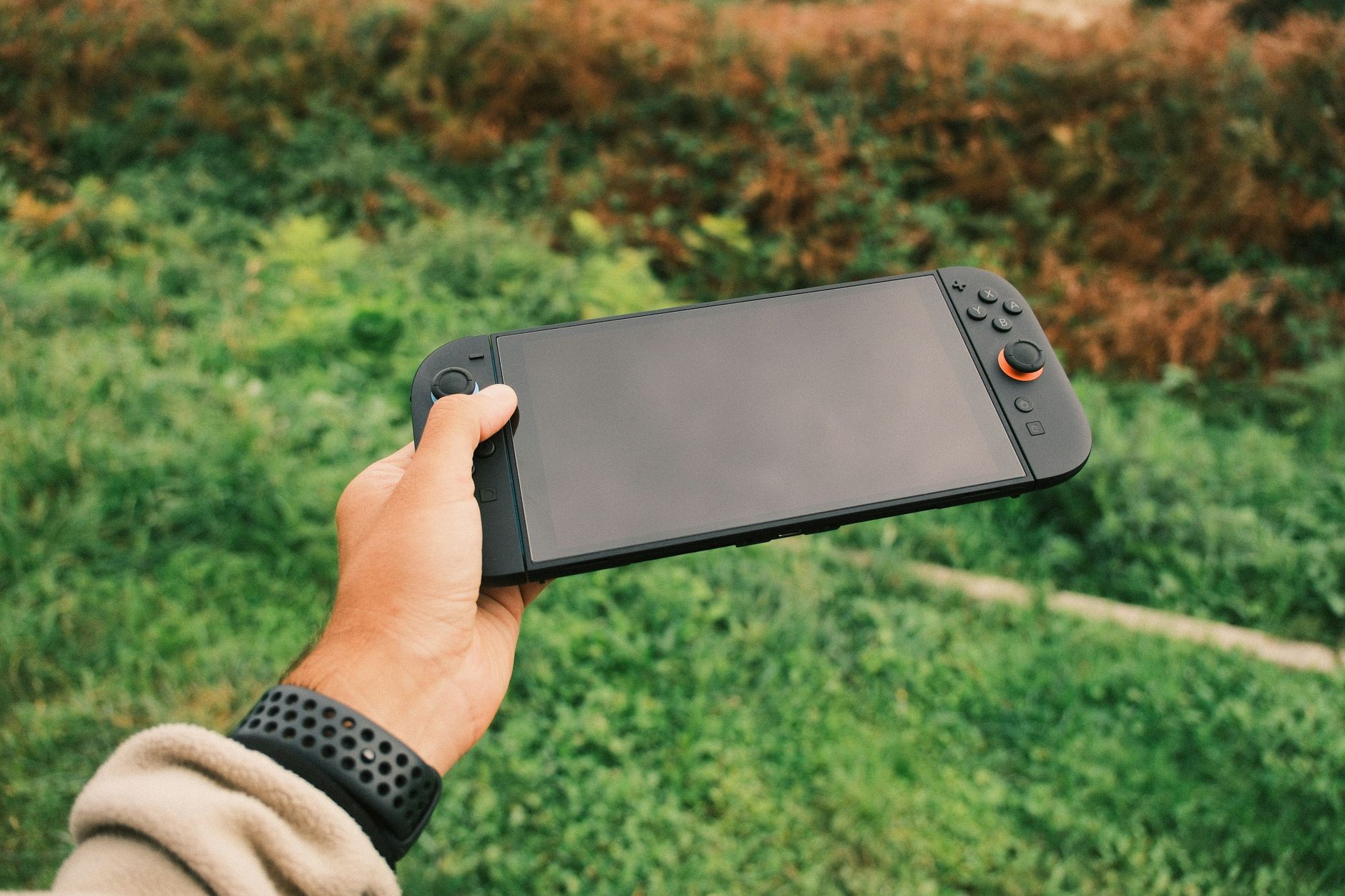

When searching through community forums for performance advice, finding the right configuration can dramatically improve your handheld experience. Navigating community-tested configurations is essential for balancing battery life, thermal output, and visual fidelity on Valve's handheld.
Whether you are trying to squeeze extra battery life out of an indie title or looking to stabilize a demanding AAA release, community consensus points to several dependable baselines. Understanding your hardware's limits and leveraging built-in performance overlays will transform how your games run.
Understanding Hardware Limits and Refresh Rates
Newcomers to the platform frequently overlook the Quick Access Menu, which houses the device's most powerful performance controls. On an OLED Steam Deck, the maximum refresh rate is 90Hz, whereas the LCD model tops out at 60Hz. This refresh rate setting is dynamically replaced with a frame rate limit if specific software toggles are enabled.
Rather than pushing every game to its maximum capability, community feedback highlights specific sweet spots for fluid motion. Setting your refresh rate and locking your frame rate to 40 FPS on an LCD model or 45 FPS on an OLED model yields a significantly smoother experience than an unstable 60 FPS target. This approach also reduces power draw, translating directly into extended play sessions away from the charger.
Recommended Configurations for Demanding Titles
Demanding games require targeted adjustments rather than a blanket approach. Community testing on platforms like Reddit highlights specific profiles for titles that heavily tax the custom AMD APU.
For Elden Ring, community guides recommend a framerate limit of 30 FPS paired with the FSR scaling filter and an FSR sharpness value of 2. In-game video settings should be locked to 1280x720 resolution, with texture quality, ambient occlusion, depth of field, and shadow quality adjusted to medium to keep stuttering to a minimum.
For Cyberpunk 2077, players face a stylistic choice depending on their performance preferences. You can target a framerate limit of 30 FPS if you want to prioritize higher graphic quality, or push for a 60 FPS limit if smoother gameplay is your primary goal. Vsync and maximum FPS settings should always be turned on and aligned directly with your chosen framerate limit.
For Helldivers 2, the community points toward a strict 30 FPS frame limit with HDR turned off. Using the FSR scaling filter with an FSR sharpness setting of 5, alongside low lighting quality and anti-aliasing turned off, helps stabilize performance during intense combat sequences.
Comparing Performance Profiles
| Game Title | Target Frame Limit | Scaling Filter | Target Resolution |
|---|---|---|---|
| Elden Ring | 30 FPS | FSR (Sharpness: 2) | 1280x720 |
| Cyberpunk 2077 | 30 FPS or 60 FPS | In-game options | 1280x720 |
| Helldivers 2 | 30 FPS | FSR (Sharpness: 5) | 1280x720 (External display) |
Ultimately, optimal settings depend heavily on the specific game you are running. Always adjust in-game graphics to what looks good to your eye while using the performance overlay to monitor your frame times and thermal performance.
Frequently Asked Questions
What is the best refresh rate for the Steam Deck on Reddit?
According to community discussions, the maximum refresh rate is 90Hz for OLED models and 60Hz for LCD models. Many users recommend locking the frame rate to 40 FPS for LCD models and 45 FPS for OLED models to find a balance between smoothness and battery conservation.
What are the optimal settings for Elden Ring on the Steam Deck?
Community guides suggest setting a framerate limit of 30 FPS with the scaling filter set to FSR and FSR sharpness at 2. In-game video settings should target 1280x720 resolution with a mix of medium quality textures, ambient occlusion, and shadows.
Can I run Cyberpunk 2077 at 60 FPS on the Steam Deck?
Yes, users can target 60 FPS for smoother gameplay, though opting for a 30 FPS limit is often recommended if you want to push higher in-game graphic qualities. Vsync and maximum FPS should be aligned with your chosen framerate limit.
References & Sources
- Performance settings tip for newcomers to the Steamdeck ...
- Reviews - Steam Deck HQ
- Best Steam Deck Settings for Top Games in 2025 | BenQ US
- which settings are the most optimal for steam deck ...
- Steam Community :: Guide :: Steam Deck optimal quality settings
Editorial Note: This article was researched via verified live web sources and published on 2026-10-24. Questions or feedback? Contact the editorial staff at TrendsInNews.
Photo credit: Daniel J. Schwarz / Pexels